

This article was contributed by IPVanish
While modern web browsers have stepped up their privacy game, they still leave doors wide open. Aggressive trackers continue to profile our digital lives, pop-ups slip through the cracks and risky downloads can catch anyone off guard. Look no further than Apple’s recent Safari campaign—which dramatized online trackers as stalker-like “clingers” following people from site to site—to see how persistent the problem is.
If you are tired of constant digital surveillance, browser extensions only go so far. A VPN with built-in ad, tracker and malware filtering cuts off intrusive connections at the network level before they ever reach your browser. But not all built-in blockers are created equal: some only filter basic domains, while others scan files in real time.
Did You Know? A digital sweep by the Office of the Australian Information Commissioner (OAIC) found that a staggering 96 percent of sampled health websites utilized hidden tracking technologies behind the scenes, profiling users without their direct consent. Worse, security reports reveal that even when users block location permissions, sites can still infer identity from signals like time zone and browser data.
Here is our audited 2026 guide to the best ad-blocking VPNs, led by our top overall pick: IPVanish.
At-a-Glance Comparison
To help you cut through the marketing noise, here is how the top VPNs stack up based on their blocking capabilities, device limits and whether their security tools can protect your device without an active VPN tunnel connection:
| VPN Provider | Built-In Blocker | Key Advantage | Device Limit | Always-On Protection (No VPN Required)? |
| IPVanish | Threat Protection Pro | VIPRE-powered real-time malware and file scanning | Unlimited | Yes (Windows and macOS) |
| NordVPN | Threat Protection Pro™ | Machine learning malware protection and app scanning | 10 devices | Yes (Windows and macOS) |
| Surfshark | CleanWeb 2.0 | Pop-up blocking, data breach alerts and tracker shields | Unlimited | Yes (Browser extension only) |
| ExpressVPN | Threat Manager | System-wide DNS-level blocklists and zero tracker logging | Up to 14 | No (Requires active VPN) |
| Proton VPN | NetShield | Swiss-jurisdiction, high-performance open-source DNS blocking | 10 devices | No (Requires active VPN) |
| CyberGhost | Content Blocker | Beginner-friendly, automated malicious site filtering | 7 devices | No (Requires active VPN) |
| Private Internet Access | MACE | Highly customizable, lightweight ad and malware blocker | Unlimited | No (Requires active VPN) |
| Windscribe | R.O.B.E.R.T. | Granular control with custom-built category block profiles | Unlimited | No (Requires active VPN) |
| Norton Secure VPN | Ad/Malicious Site Blocker | Convenient, straightforward add-on for Norton 360 users | Varies by plan | No (Requires active VPN) |
| AdBlock VPN | Built-in Ad Blocker | Straightforward ad suppression across all Windows apps | Varies by plan | No (Requires active VPN) |
What Actually Matters When Choosing a Blocker VPN
To separate the true security shields from simple filters, prioritize these criteria:
- Depth of Blocking: Does the VPN use lightweight DNS filtering (blocking known bad domains) or deep, real-time file and page scanning?
- Always-On Protection: Does the blocker require an active VPN tunnel to work, or does it stay active even when you disconnect?
- Device Support: How many devices can you secure under a single plan?
- Transparency and Audits: Are the provider’s privacy policies, threat engines and no-logs claims independently verified?
The Best VPN Blockers Reviewed
1. IPVanish—Best Overall Pick (Editor’s Choice)
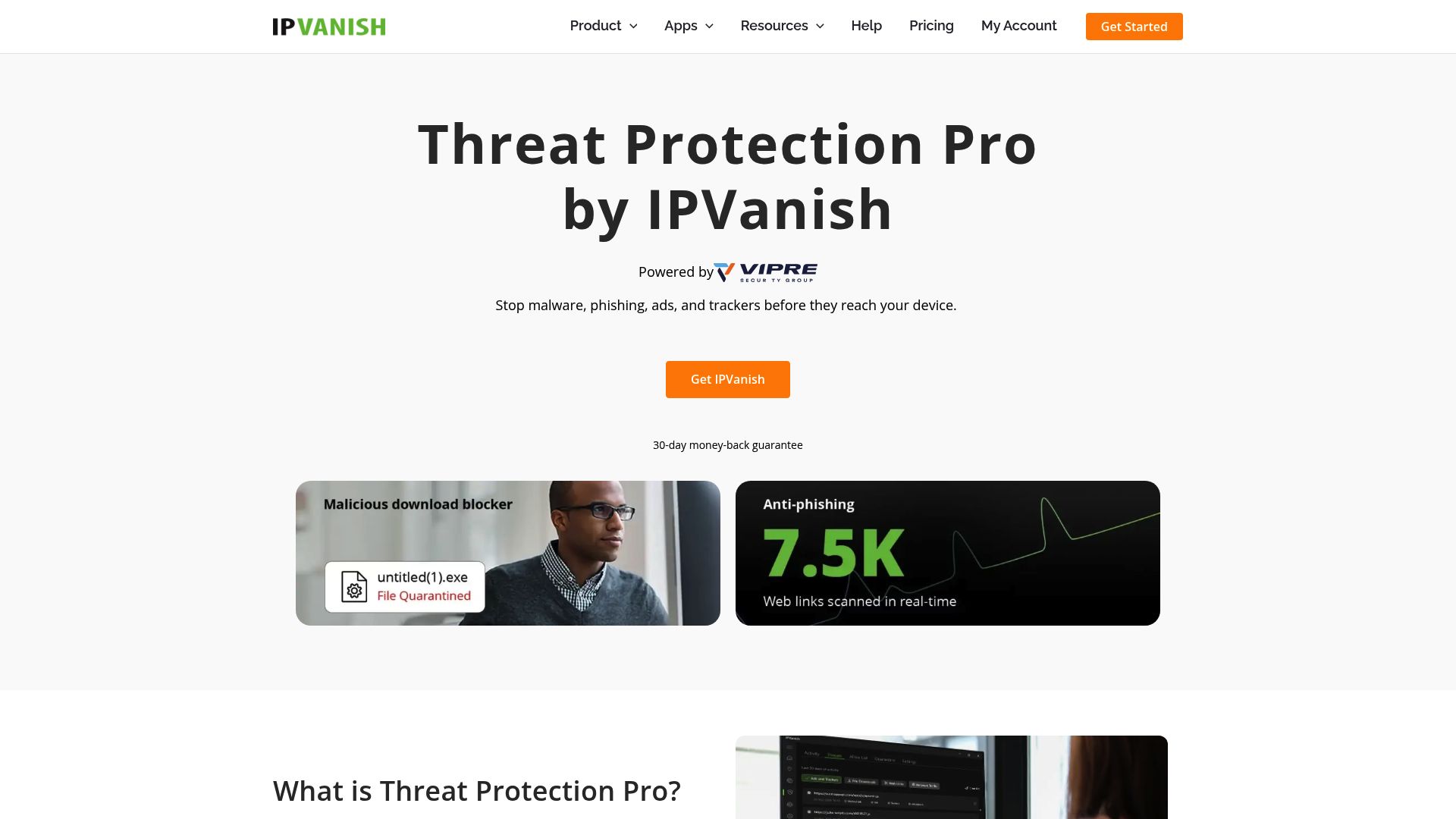
While many VPNs stop at encrypting your connection and masking your IP, IPVanish has transformed into a robust, multi-layered security suite. The standout addition is Threat Protection Pro, which moves beyond basic domain filtering to deliver system-wide defense against modern online hazards.
Unlike standard DNS-based filters that only work when your VPN is actively connected, IPVanish’s Threat Protection Pro keeps working on Windows and macOS even when the VPN tunnel is off. Powered by the enterprise-grade VIPRE antivirus engine—an integration made seamless by the fact that both brands operate under the same parent company, Ziff Davis—it scans downloaded files before they open, blocks phishing attempts and halts malicious downloads in their tracks.
Additionally, IPVanish offers a standard Threat Protection tier (DNS filtering) across all its apps, including iOS, Android and Fire TV. For those on the Advanced plan ($3.29/mo on a 2-year plan, $4.49/mo yearly, or $14.99/mo monthly), you get Threat Protection Pro, a sandboxed Secure Browser and 1TB of cloud storage. Combined with an independently audited no-logs policy, RAM-only servers and an unlimited simultaneous connection policy that lets you protect each device in your household, IPVanish offers the absolute best value-for-protection ratio on the market.
- Best For: Best overall value and everyday protection.
- Standout Feature: VIPRE-powered real-time file scanning and offline threat defense.
2. NordVPN—Strong Security Bundle
NordVPN is a powerhouse if you want a massive digital security bundle. In its recent upgrades, it integrated its advanced Threat Protection Pro™ utility (which is packaged inside its “Next-Gen Antivirus” interface) directly into its app. It does an admirable job of blocking intrusive ads, tracking scripts and malicious downloads without requiring an active VPN tunnel on Windows and macOS.
NordVPN elevated its game by partnering with CrowdStrike, integrating enterprise-grade threat intelligence into its security system. The main drawback is plan complexity and device limitations. NordVPN caps you at 10 simultaneous devices, which might feel tight for modern smart homes. Furthermore, many of its most advanced security features are gated behind pricier subscription tiers (like Plus, Complete, or Ultimate), making it a more expensive option for families than IPVanish’s straightforward, unlimited-device model.
- Best For: Security bundle seekers who don’t mind premium tier pricing.
- Standout Feature: CrowdStrike-powered real-time adversary intelligence.
3. Surfshark—Best for Large Households
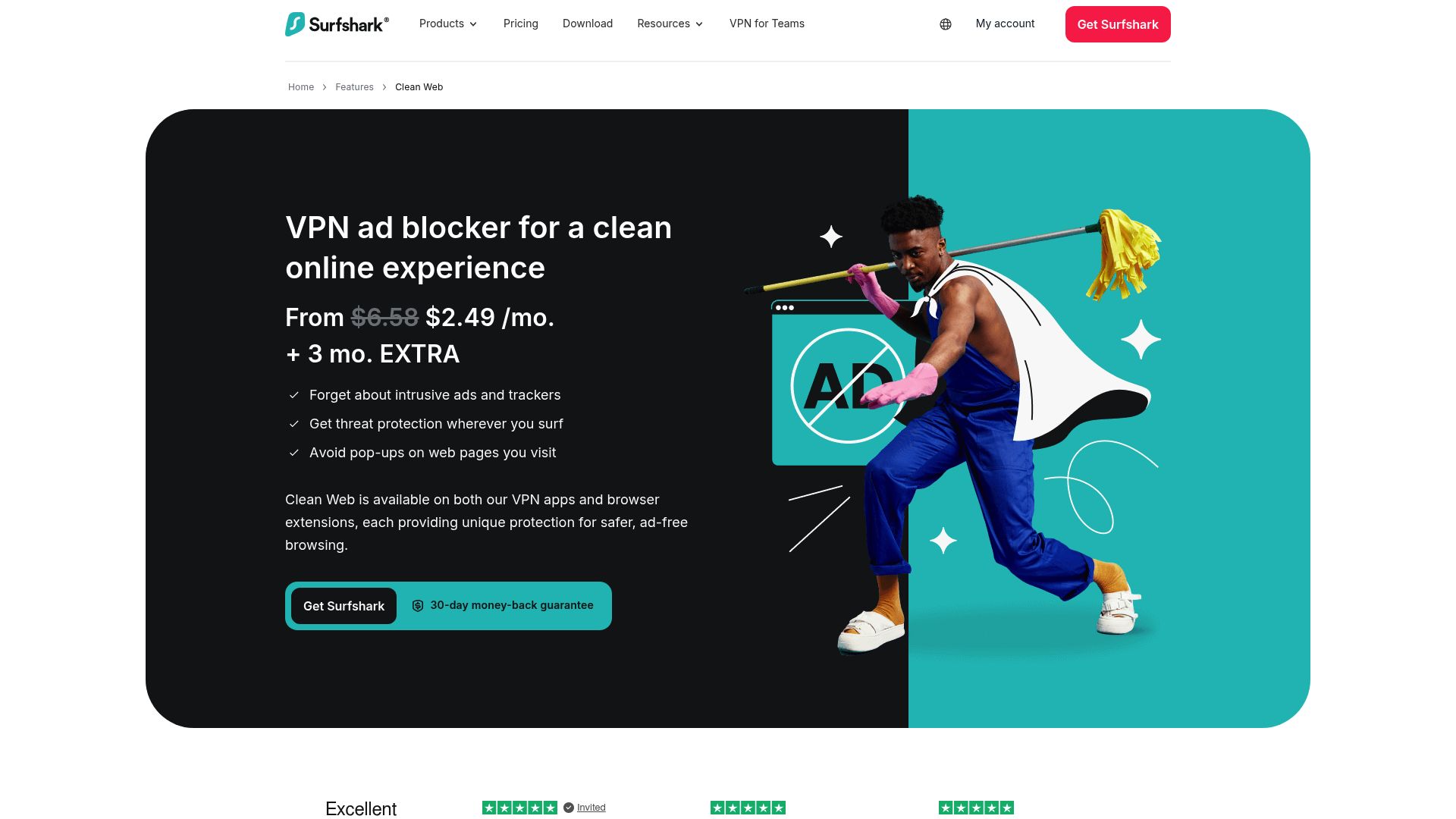
Surfshark’s primary appeal is its straightforward, budget-friendly approach to multi-device security. It offers unlimited simultaneous connections, along with its CleanWeb 2.0 tool, which does a stellar job of sweeping away pop-ups, trackers and malicious domains before they clutter your screen.
However, Surfshark is slightly lighter on deep malware defense than the top-tier picks. CleanWeb operates primarily at the domain-filtering level, so it won’t provide the same system-wide, offline file-quarantine tools as IPVanish’s VIPRE-powered engine. That said, while the native desktop app requires an active VPN, Surfshark’s CleanWeb 2.0 browser extension does work offline (without an active VPN tunnel) to block web ads and cookie pop-ups.
- Best For: Families with dozens of screens to secure on a budget.
- Standout Feature: Built-in cookie pop-up blocker and data breach alerts on the browser extension.
4. ExpressVPN—Premium Polish and Speed
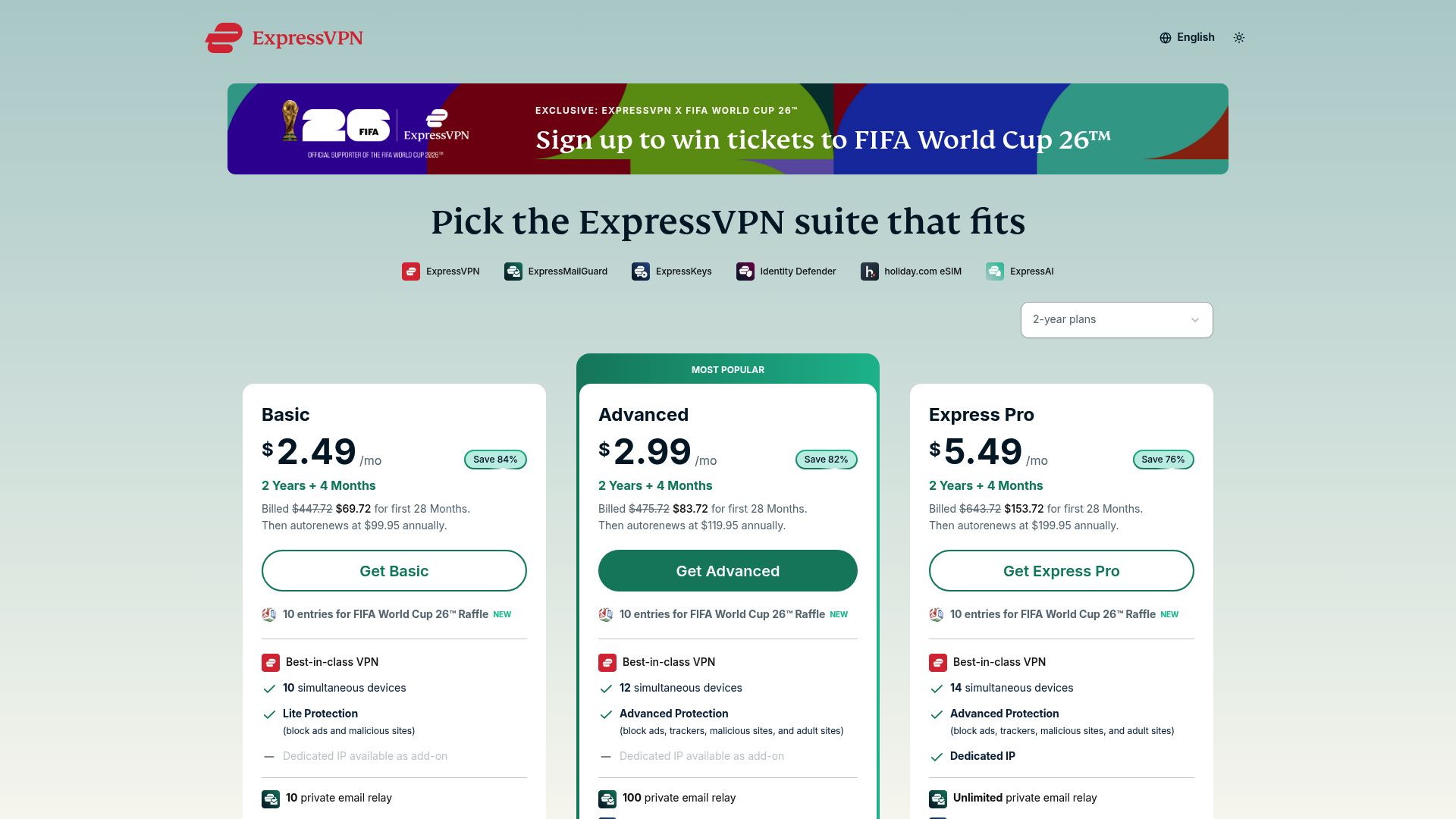
ExpressVPN has long been a favorite for users who prioritize premium speeds, highly refined app design and an expansive global network. Its built-in Threat Manager uses DNS-based filtering to block apps and websites from communicating with known tracking servers and malicious hosts.
ExpressVPN’s blocking is incredibly fast and quiet, but it is strictly tied to an active VPN connection—there is no offline or standalone scanning. While it delivers an exceptional premium user experience, the lack of real-time file scanning makes it harder to recommend purely for robust malware defense compared to specialized security-first VPNs.
- Best For: Premium users who want seamless, high-speed performance.
- Standout Feature: Extremely low latency and polished user experience across up to 14 devices.
5. Proton VPN—Open-Source Privacy Focus
For users deeply invested in the open-source privacy movement, Proton VPN is a natural fit. Its NetShield feature focuses on blocking ads, malware and trackers at the network level using robust DNS filtering. Proton’s Swiss jurisdiction and strong commitment to audited, open-source software make it highly trustworthy.
Proton’s threat blocking, however, is designed primarily around privacy and anti-tracking rather than active malware scanning. It lacks the deep, real-time file and download scanning found in dedicated security suites. If you are looking to integrate into Proton’s wider encrypted ecosystem (including Mail, Calendar and Drive), it is a stellar addition, but it shouldn’t replace your active antivirus.
- Best For: Privacy purists and users already in the Proton ecosystem.
- Standout Feature: Highly secure Swiss legal jurisdiction and fully open-source apps.
6. CyberGhost—Beginner-Friendly Simplicity
CyberGhost is tailored for beginners who want a plug-and-play privacy tool. It features a simplified content-blocking toggle that filters out ads, tracking scripts and known malicious sites. Supported by a massive server fleet, it makes finding a fast, nearby connection easy.
The downside is its simplicity: there are no advanced customization tools and its threat blocker only runs when the VPN is actively connected. It’s an easy-to-use option for casual browsing, but power users or those seeking deep technical transparency will likely want to look elsewhere.
- Best For: Beginners and students looking for a simple set-and-forget setup.
- Standout Feature: Intuitive, streamlined interface with a massive server count.
7. Private Internet Access (PIA)—The Power User’s Choice
Private Internet Access (PIA) appeals to tech-savvy users who want granular control over their network settings. Its MACE blocker is a highly effective, lightweight tool that intercepts ads, trackers and malware domains at the DNS level.
PIA is highly customizable, featuring split-tunneling, port forwarding and an unlimited device policy. However, MACE operates strictly via DNS blocking. This means it can’t scan downloaded files or protect your system when the VPN is turned off. For tinkerers, it’s a dream; for hands-off users who want comprehensive malware scanning, it’s a bit light.
- Best For: Tech-savvy power users who demand highly customizable connection settings.
- Standout Feature: Unlimited device connections paired with advanced technical controls.
8. Windscribe—Highly Customizable Filtering
Windscribe shines with its highly customizable server-side blocker, R.O.B.E.R.T., which lets you build custom access profiles to filter specific content categories (ads, trackers, gambling, fake news). While the app interface can feel a bit cluttered and lacks offline file scanning, its generous free tier (10 GB/month) makes it an excellent testing ground for privacy enthusiasts on a budget.
- Best For: Free users and custom filtering fans who love micro-managing their blocking rules.
- Standout Feature: Granular custom category filtering.
9. Norton Secure VPN—Simple Corporate Protection

Norton Secure VPN is a familiar name for users already entrenched in the Norton 360 security ecosystem. It provides simple ad and malicious-site blocking inside the active VPN tunnel, keeping public Wi-Fi connections cleaner.
Unfortunately, it lacks the specialized privacy features and technical transparency of dedicated VPN brands. Because its protection is bundle-centric, it can feel like an afterthought compared to standalone privacy tools. If you already pay for a full Norton security suite, it’s a convenient add-on, but it isn’t a top contender as a standalone VPN.
- Best For: Existing Norton 360 customers.
- Standout Feature: Direct integration into a familiar mainstream security suite.
10. AdBlock VPN—Simple Windows Utility
Developed by the creators of the popular browser extension, AdBlock VPN is a basic Microsoft Store utility designed to block ads across all Windows applications. While convenient for casual, single-PC ad suppression, it lacks the robust security protocols, verified no-logs transparency and global server infrastructure of its established VPN rivals. It should not be relied upon as a primary line of defense against complex cyber threats.
- Best For: Windows users who want an easy-install ad utility.
- Standout Feature: Direct Microsoft Store distribution and app-wide Windows ad blocking.
Which One is Worth Your Money?
When picking the right tool for 2026, consider your primary defense goals:
- If you want the most complete security package: IPVanish is the clear winner. Its Threat Protection Pro provides enterprise-grade file scanning and phishing defense on Windows and Mac, backed by unlimited device connections for the rest of your household.
- If you want a massive all-in-one bundle: NordVPN remains a great choice, provided you don’t mind paying premium-tier pricing and working within their 10-device limit.
- If you simply want a clean, ad-free experience on a budget: Surfshark is an exceptional alternative, offering unlimited device connections and handy browser extensions.
Whichever route you choose, moving beyond basic browser privacy is no longer optional—it’s the first step toward reclaiming your peace of mind online.
The editorial staff of East Bay Express was not involved in the creation of this content. The content is for general information and does not constitute the financial, medical or professional advice of this publication. Readers should consult qualified professionals regarding their individual circumstances. East Bay Express disclaims any liability for loss or damage resulting from reliance on this content.